Overview
Product description and implementation details.
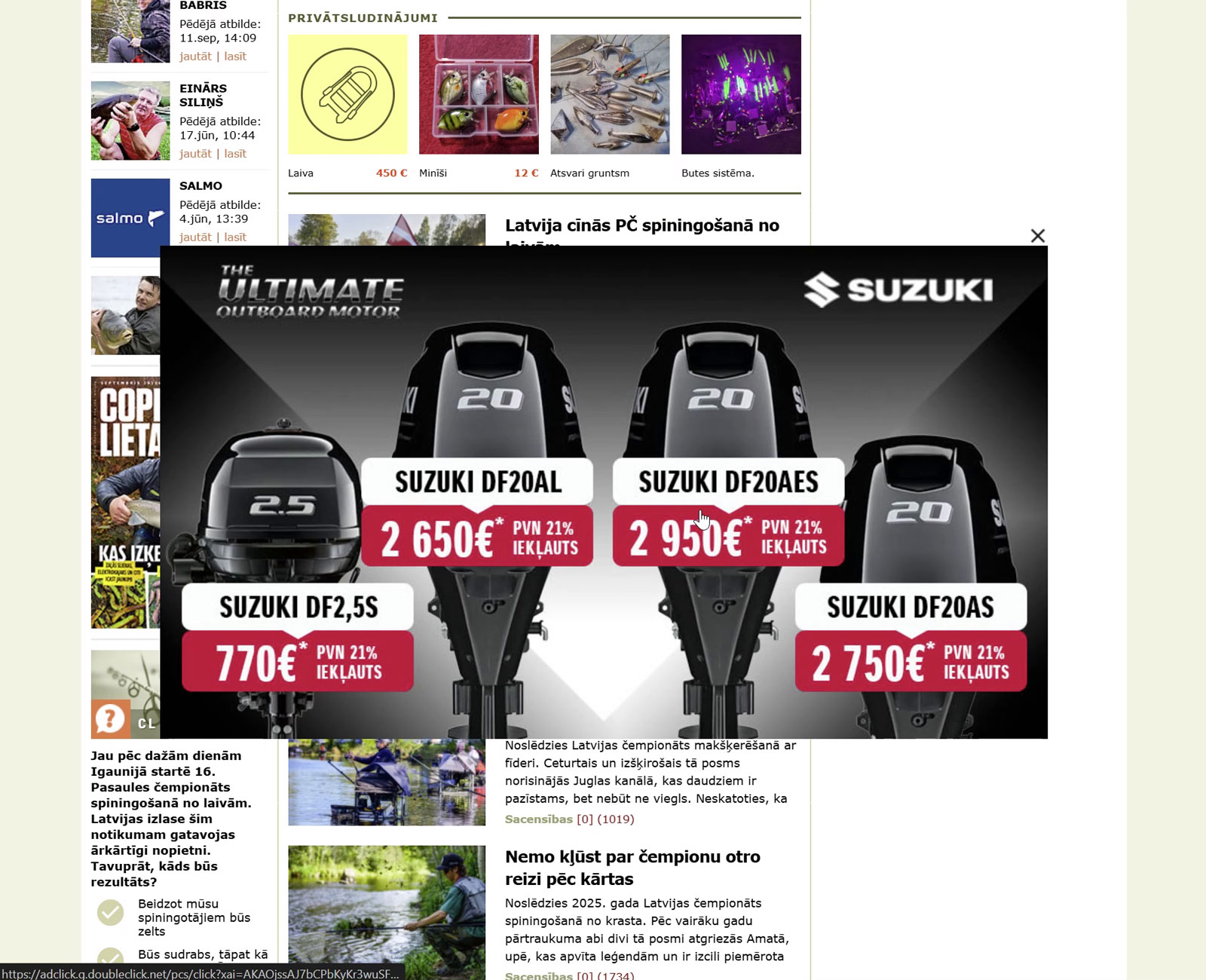
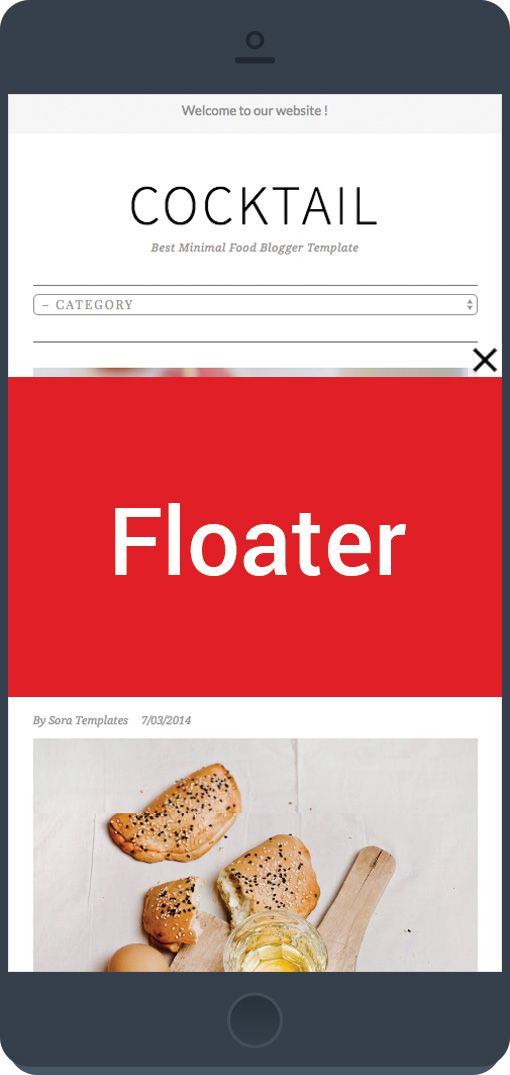
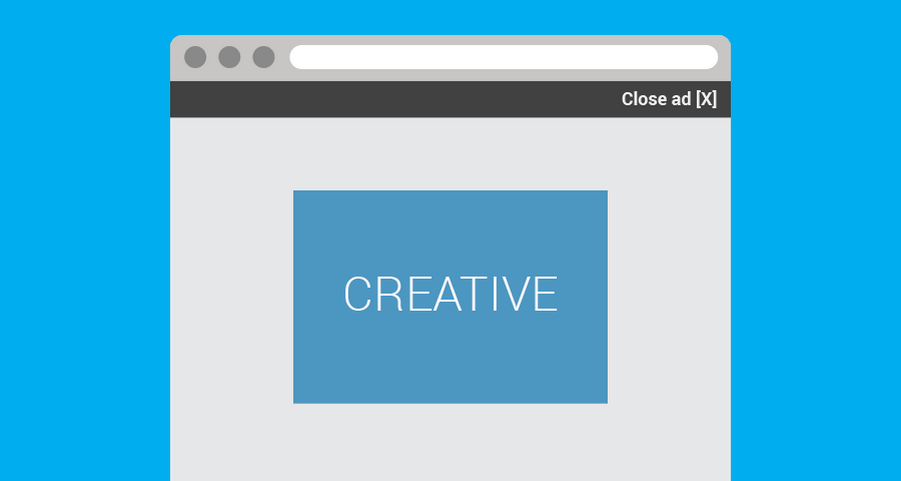
The Floater is a creative template for Google Ad Manager (GAM) and former DoubleClick for Publishers (DFP). It appears as a layer over the website, overlaying a banner on top of the web page content. By default, the banner appears in the middle of the internet browser viewport, but you can change its position. It has multiple closing options, including a button, clicking on the background, a timer, or a JS callback. The creative can appear immediately after page load, or with a time delay or when the page is scrolled down to a certain position. You can see all these features in a live preview.
This template has multiple customization options, including the ability to customize the website overlay color, closing button design, and border size and color.
It supports all image formats and hosted HTML creatives, as well as HTML (JavaScript) code or tags.
It is compatible with any version of Google Ad Manager, including the free version, and can be served via out-of-page and size-defined ad units.
Last updated: · View release notes
Extend with JavaScript callbacks
Adapt creatives to your website without modifying site code.
Use callback events to:
- Sync with sticky headers
- React to viewport changes
- Trigger animations
- Integrate custom site behavior
- Optimize layout appearance
Our support team can help you plan and implement JS callback integrations for your site.
View JS callback documentation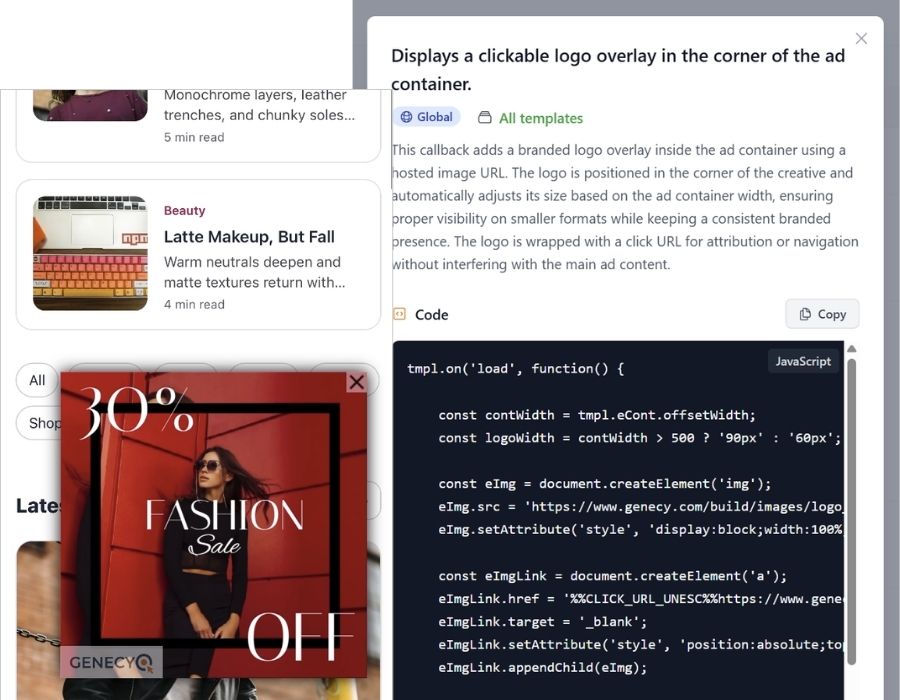
Features
- Supports asynchronous and synchronous GPT tags
- Upload an image directly or enter HTML code, or enter URL to self-hosted image or HTML5 banner
- Responsive
- Show banner on page load or after seconds entered, or when a user scrolled down to a defined position
- Serve with or without clickthrough URL
- Easily track clicks for any creative, even for HTML5 banners without clickTAG implemented
- Set location for the close button
- Close ad automatically after a specified time or by clicking on overlay background, or with the close button of course
- Change an ad position in the viewport - in the center, in any corner, or any other position of the browser viewport.
- Customize color and opacity of background overlay, or hide it at all
- Track ad impressions with 3rd-party tracking URL or 3rd-party tags
- Supports out-of-page ad-units (impressions counts only when an ad is visible)