Overview
Product description and implementation details.
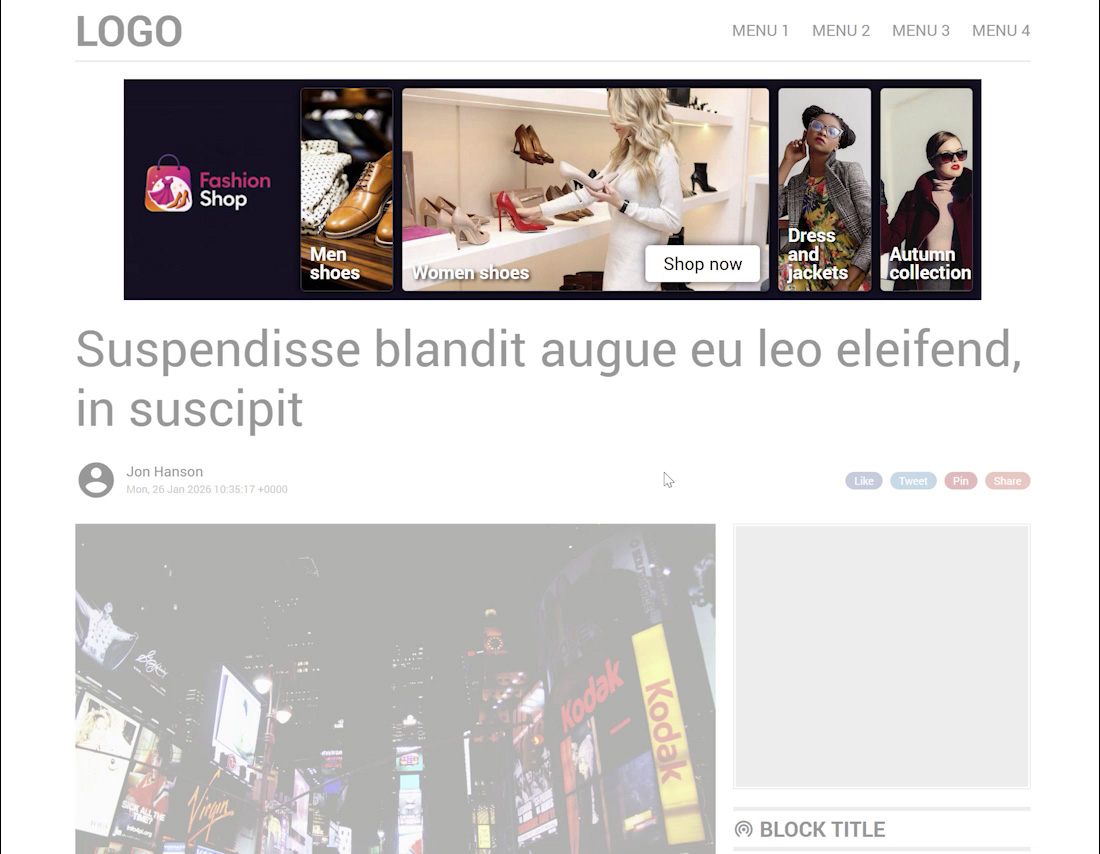
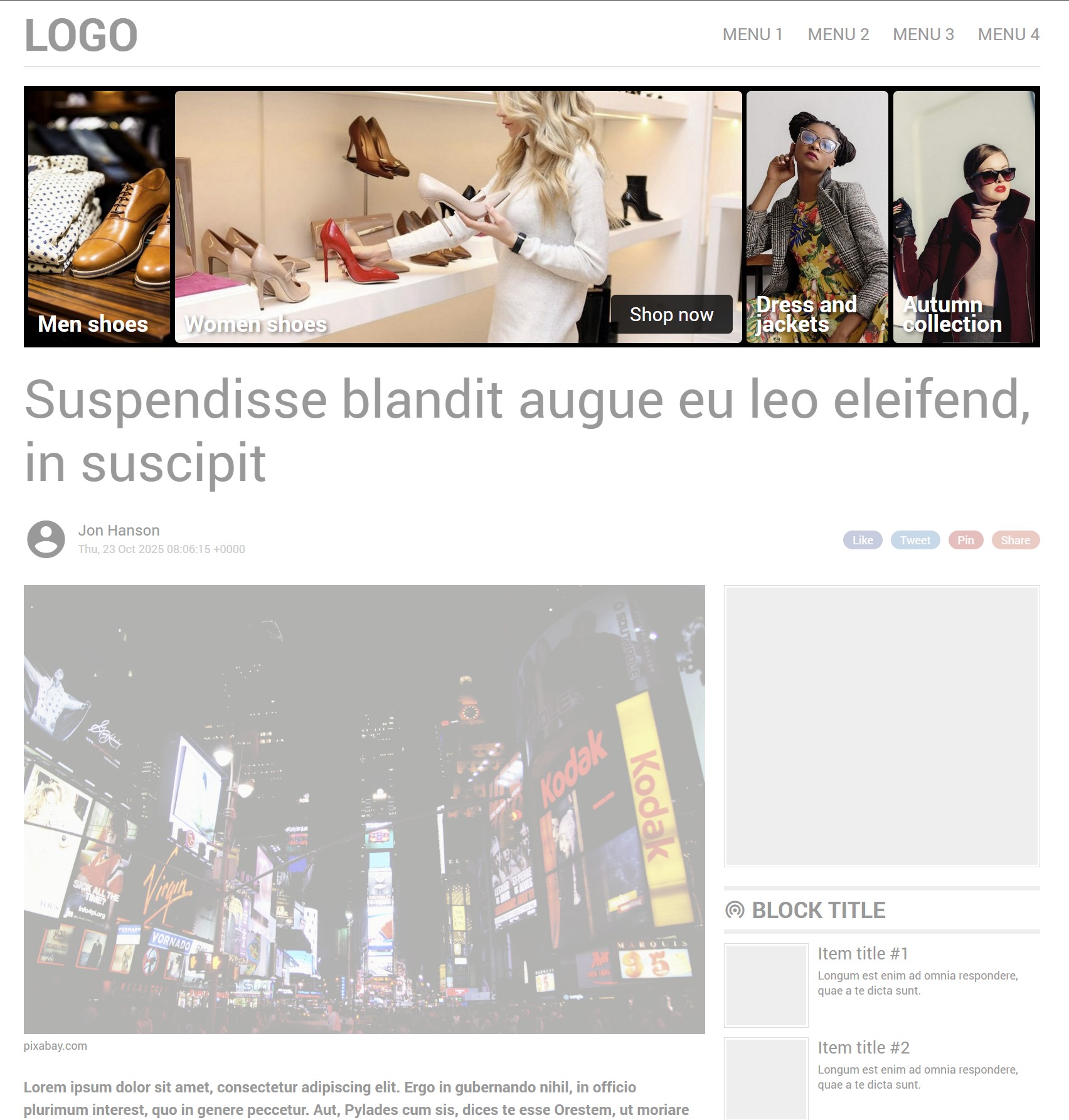
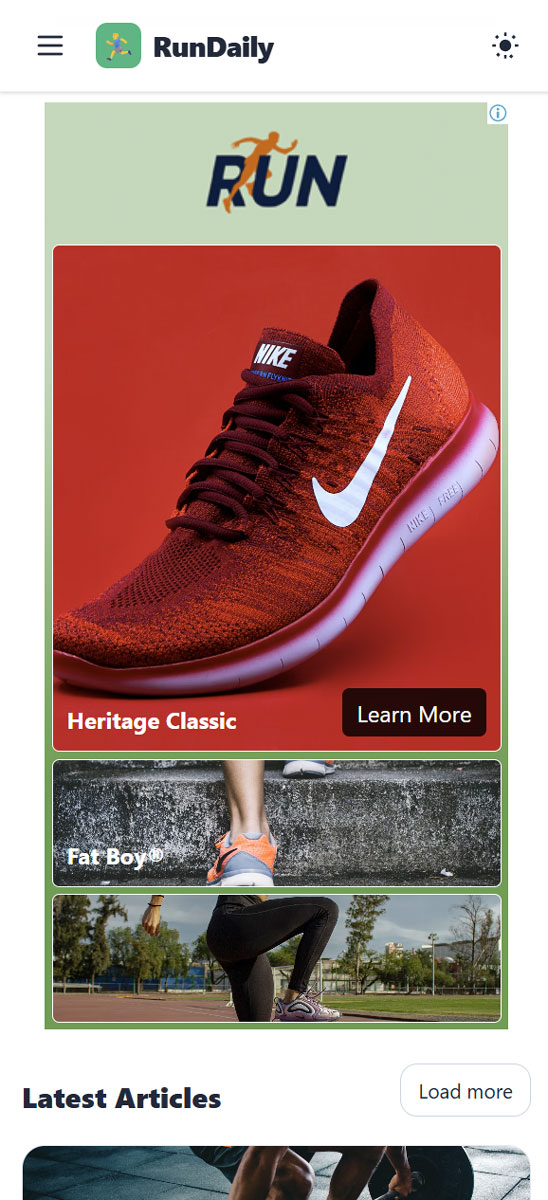
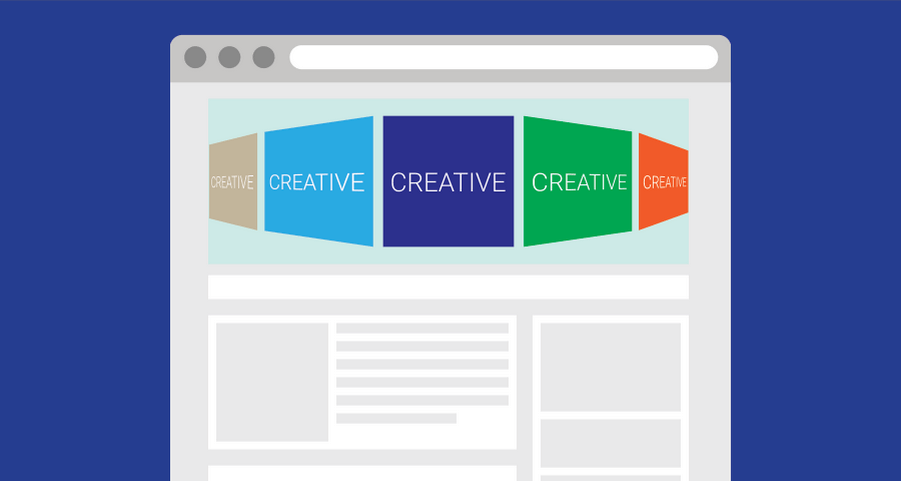
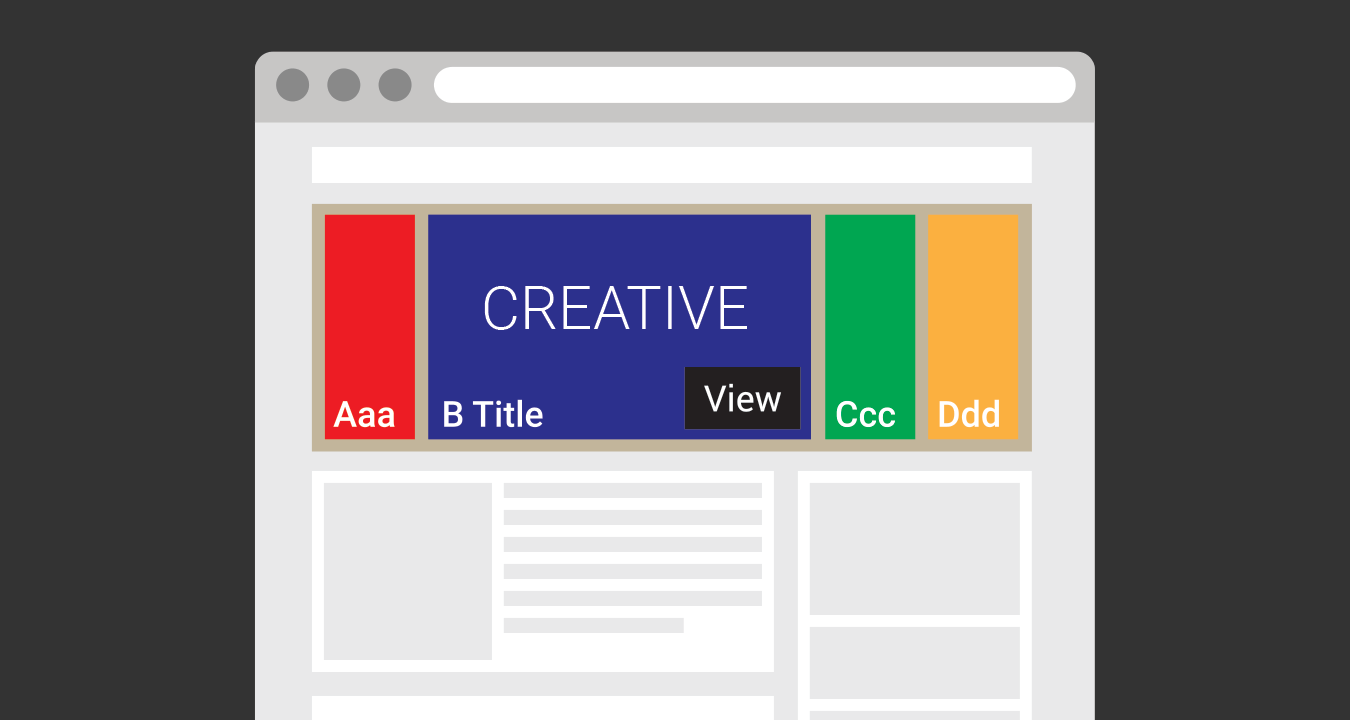
The Selector is a creative template for Google Ad Manager (GAM) that showcases multiple images or products in a sleek, animated layout. Users can hover, tap, or let the ad autoplay through a series of interactive panels - each panel highlighting an image, title, and call-to-action. This dynamic presentation encourages deeper engagement and higher click-through rates.
Designed for both desktop and mobile, the Selector template automatically adjusts panel sizes and transitions smoothly between active and inactive items. You can arrange items horizontally or vertically, apply custom paddings and colors, and set autoplay intervals for hands-free rotation. Titles and CTAs fade in and out elegantly, giving your creative a premium, gallery-like feel.
Publishers can use the Selector to display up to five items, making it ideal for campaigns featuring multiple products, destinations, or brand visuals. Each item can have its own link, allowing precise click tracking and performance measurement. The template also supports third-party impression tracking, custom HTML append, and built-in Active View compatibility.
Supported formats: all image formats (JPG, PNG, GIF).
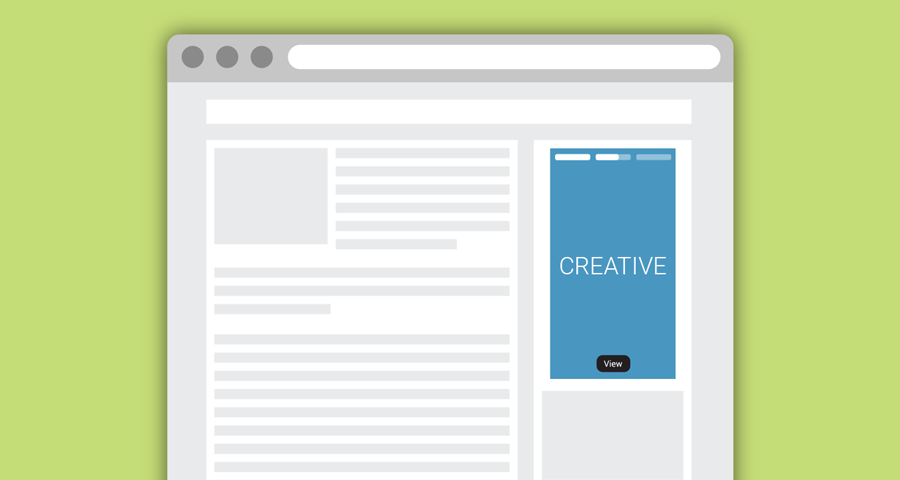
This template works with any Google Ad Manager version, including the free version. It can be served via size-defined ad units only.
Last updated: · View release notes
Extend with JavaScript callbacks
Adapt creatives to your website without modifying site code.
Use callback events to:
- Sync with sticky headers
- React to viewport changes
- Trigger animations
- Integrate custom site behavior
- Optimize layout appearance
Our support team can help you plan and implement JS callback integrations for your site.
View JS callback documentation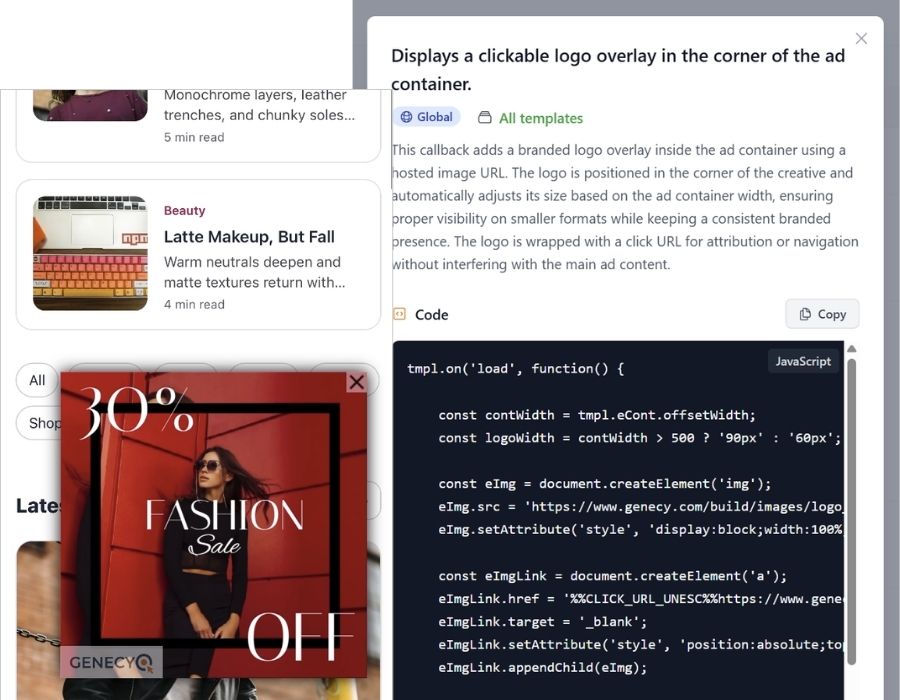
Features
- Supports asynchronous GPT tags
- Upload images directly or enter URLs to self-hosted images
- Display up to five panels with optional titles and CTAs
- Smooth expand and collapse animations
- Optional autoplay and pause-on-hover modes
- Horizontal and vertical layout options
- Responsive design for desktop and mobile
- Serve with or without clickthrough URL
- Supports “Active View” feature
- Track ad impressions with 3rd-party tracking URL or tags