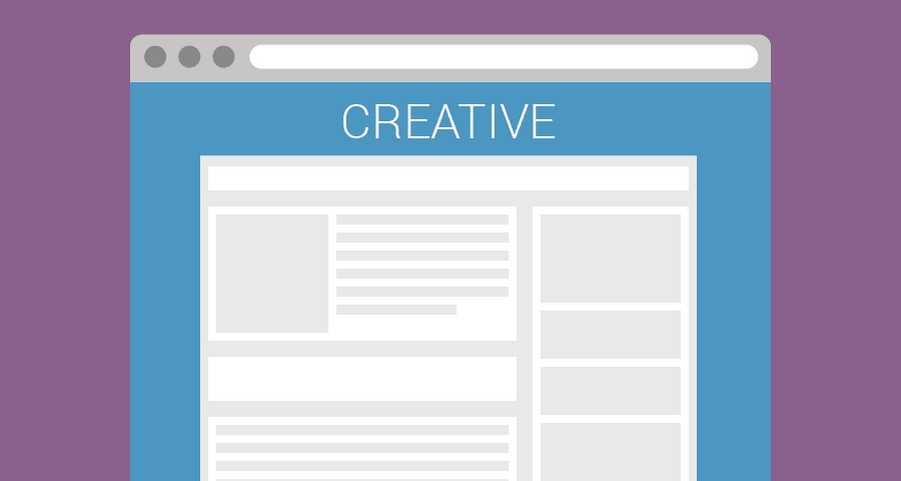
Wallpaper
Wraps the website with creative (skin format). Supports sticky and parallax effects.
Best for: Page skins and desktop takeovers
- Desktop, Mobile, Tablet
- Out-of-page
- Best on desktop
These are working rich media ads for Google Ad Manager, grouped by how they behave on a page. Open a format for the creative template, a live preview, or a showcase clip from a real placement.
These formats cover the page or sit around it. Publishers use them for launches, sponsorships, and high-CPM direct buys.
Wraps the website with creative (skin format). Supports sticky and parallax effects.
Best for: Page skins and desktop takeovers
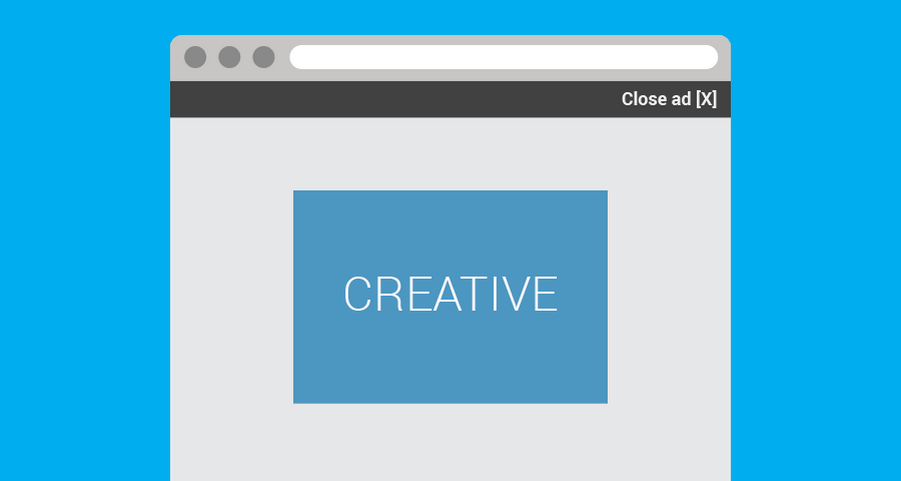
Full-screen ad shown for a few seconds before users continue to content.
Best for: Launches, takeovers, and short full-screen bursts
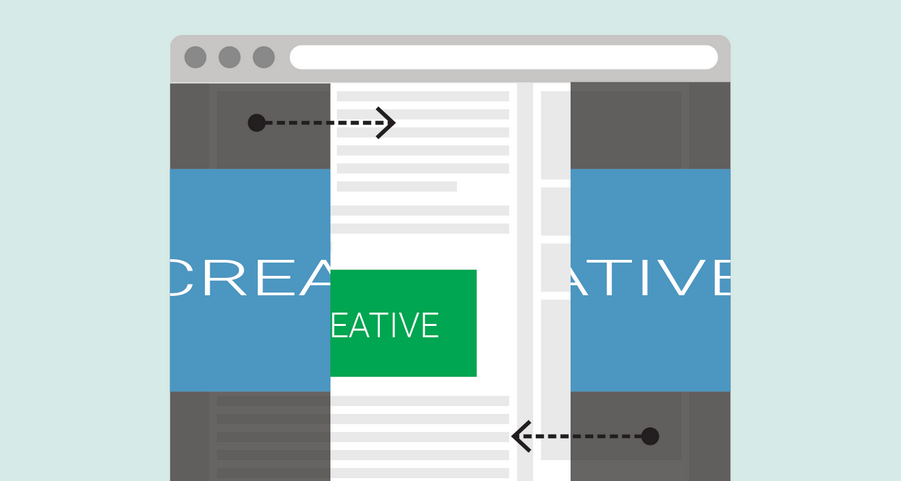
Split layers slide together like doors, merging into a bold full-screen ad.
Best for: Full-screen brand moments with a sliding-door reveal
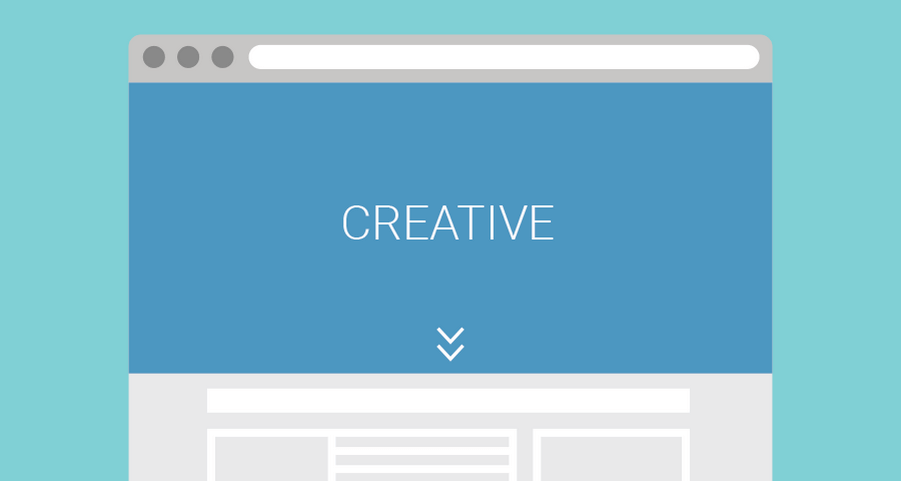
Pushes the website down to display a banner at the very top. High visibility and strong impact.
Best for: Pushdown placements at the top of the page

Display an HTML or image creative as a fixed background. Great for immersive brand takeovers.
Best for: Background takeovers under site content
Sticky and floating formats stay in view while the reader scrolls, without rebuilding the unit for each campaign.
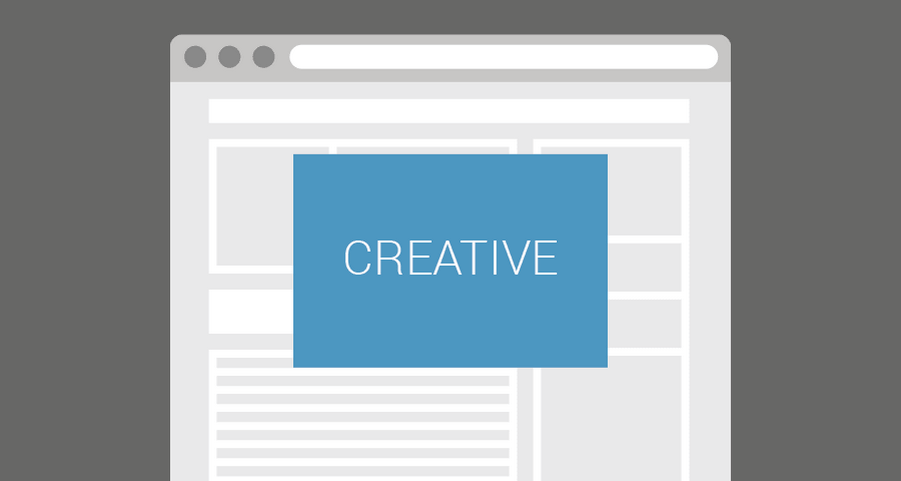
Keeps a banner fixed on top of page content. Always visible, always effective.
Best for: Always-visible overlay units for direct campaigns
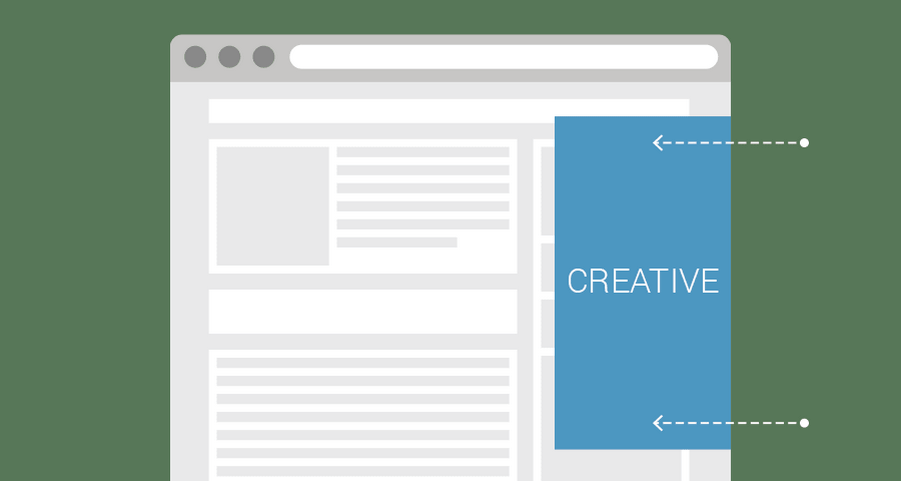
Slides a banner from any side of the browser to grab attention instantly.
Best for: Edge units that enter from the side of the browser
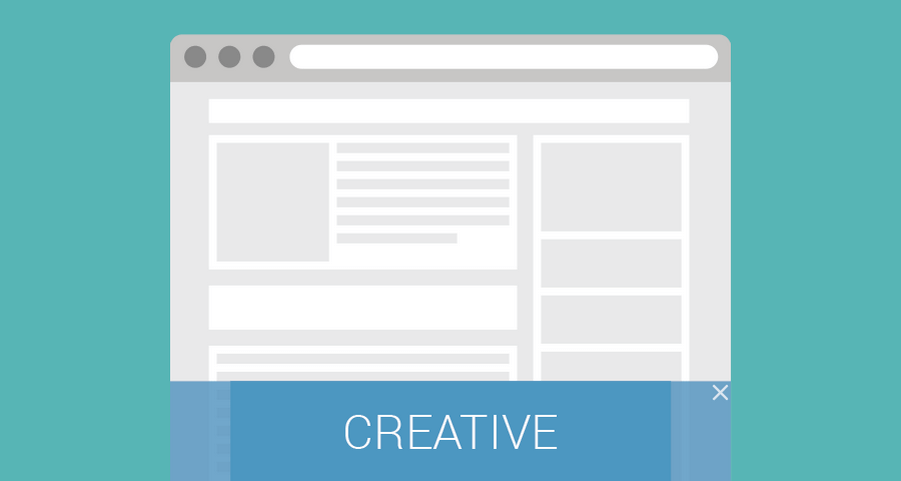
Sticky banner fixed at the bottom of the browser window, visible during scrolling.
Best for: Sticky bottom banners that stay in view while scrolling
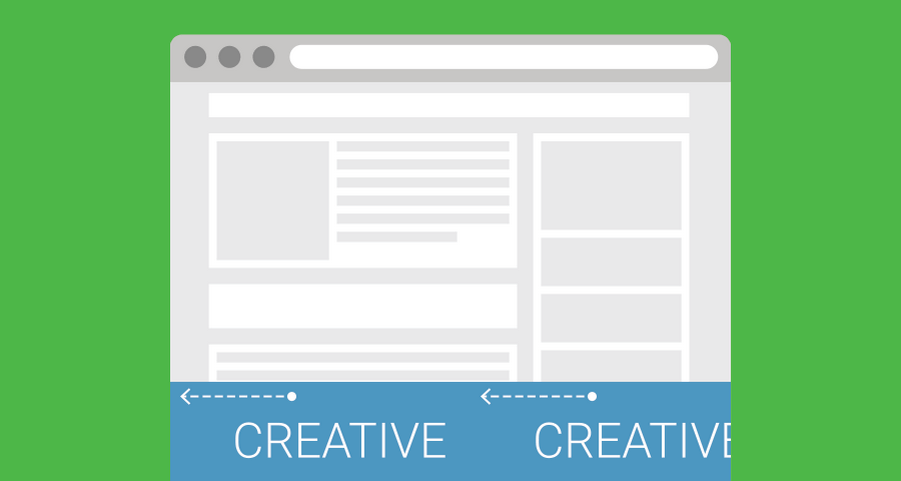
Rotating banner fixed to the bottom of the screen with smooth sliding effects.
Best for: A sliding strip fixed to the bottom of the screen
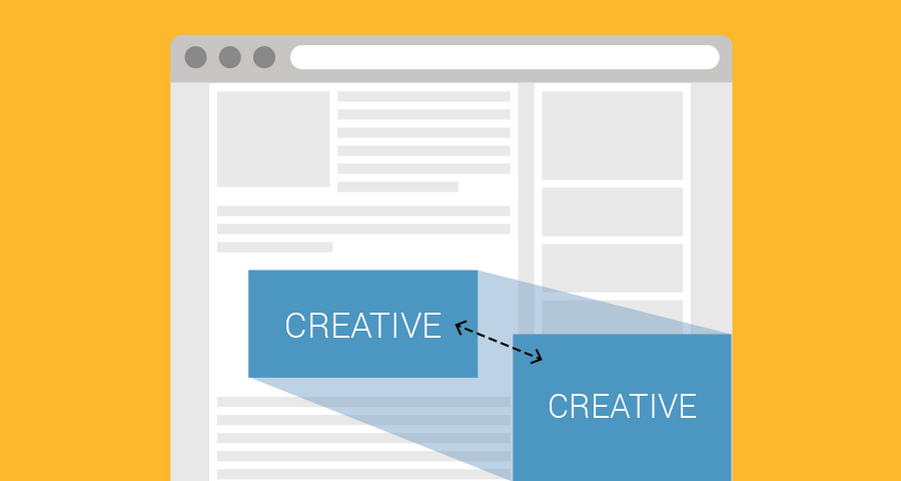
Displays a banner that becomes sticky when the main ad scrolls out of view.
Best for: A standard placement that continues as a sticky unit
Expandable formats start in a standard placement and open a larger canvas on click, hover, or a timer.
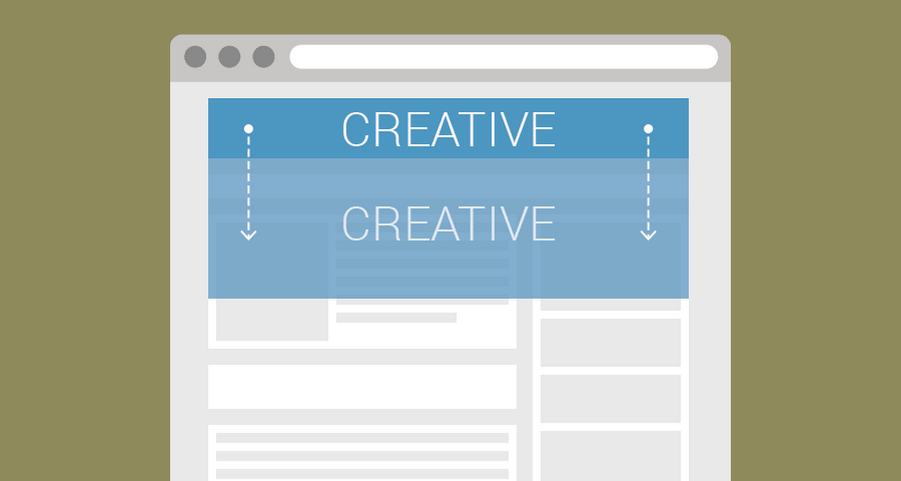
Transforms a banner into a larger creative on click, hover, or timed action.
Best for: Banners that grow into a larger canvas
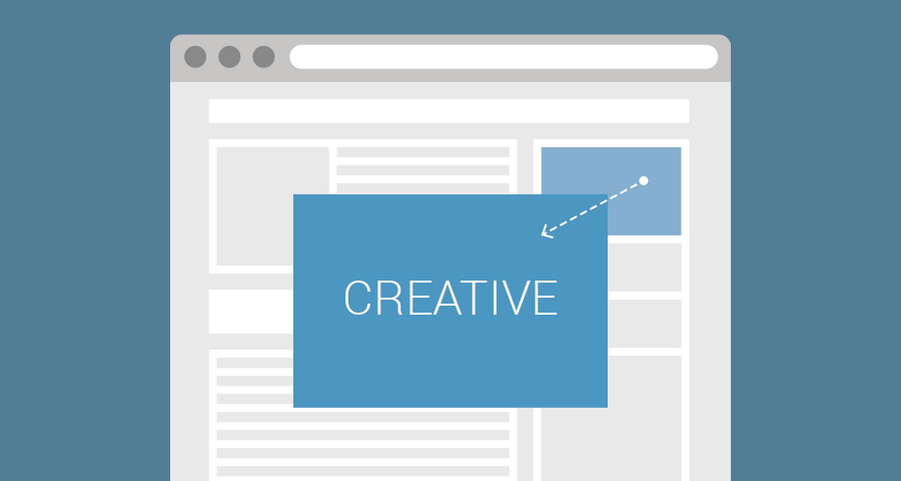
Displays a banner overlay when users interact with a base ad.
Best for: A base banner that opens a larger overlay
Scroll and in-content formats use page movement or article text as the placement.
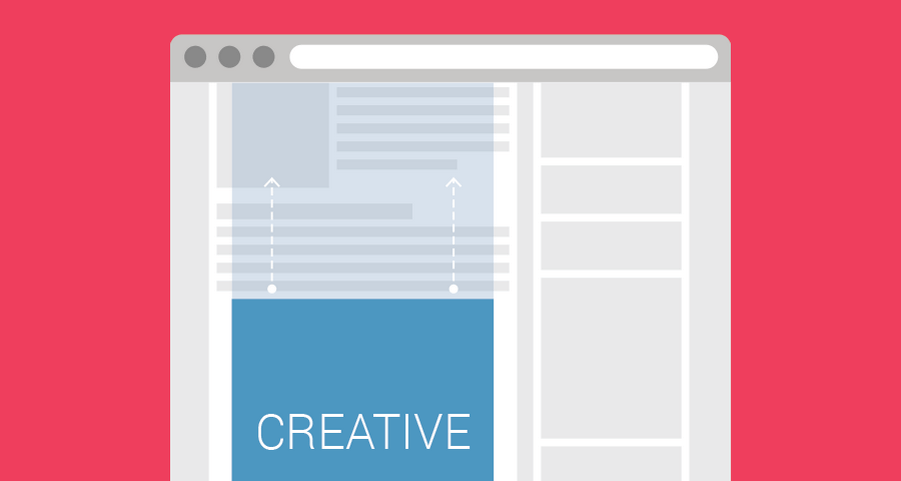
Keeps a creative fixed in the background while scrolling for a parallax effect.
Best for: Parallax and interscroller placements
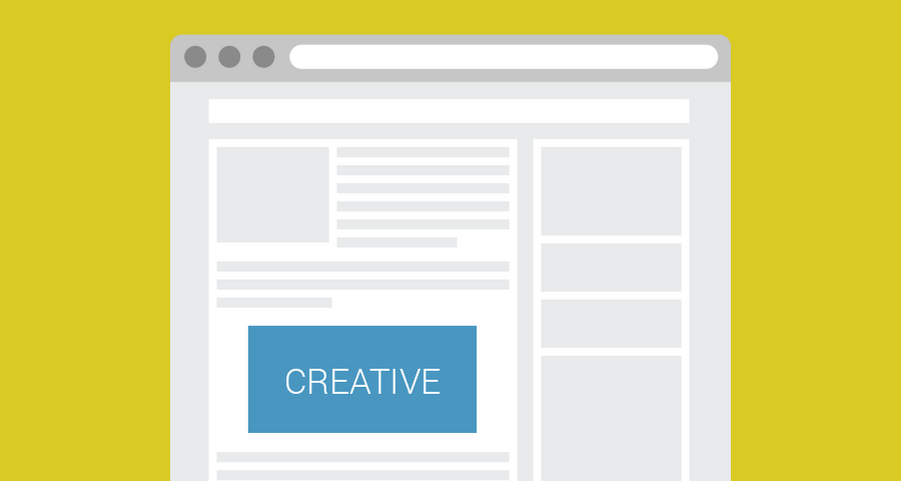
Places a banner between paragraphs inside article text for natural engagement.
Best for: In-article placements between paragraphs
Interactive formats ask the reader to tilt, swipe, scratch, or move through several frames inside one creative.
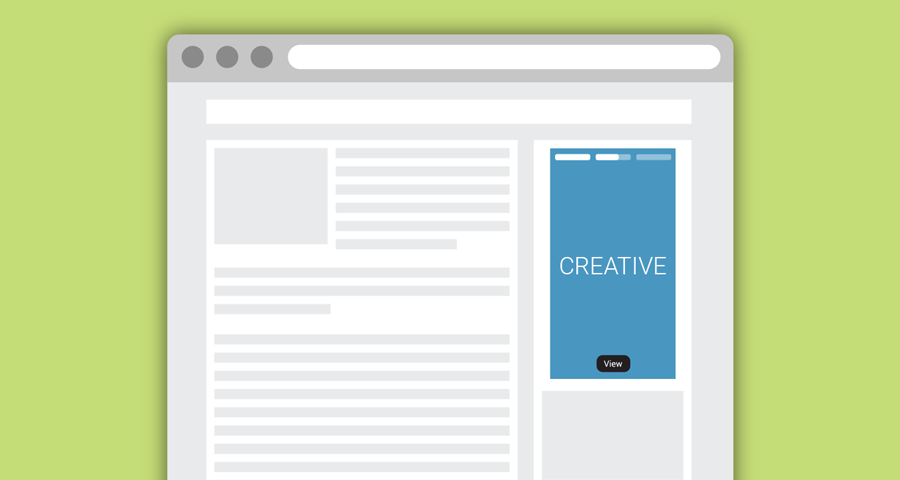
Social-style story ad with up to five auto-advancing images, progress bars, tap navigation and CTA buttons.
Best for: Social-style story sequences
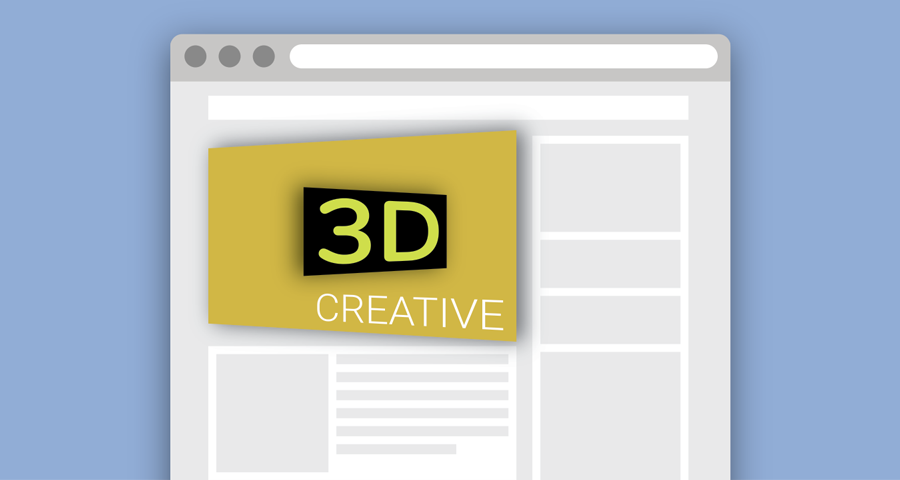
Interactive banner with a 3D tilt effect that responds to cursor hover or touch movement.
Best for: Interactive 3D tilt on a display unit
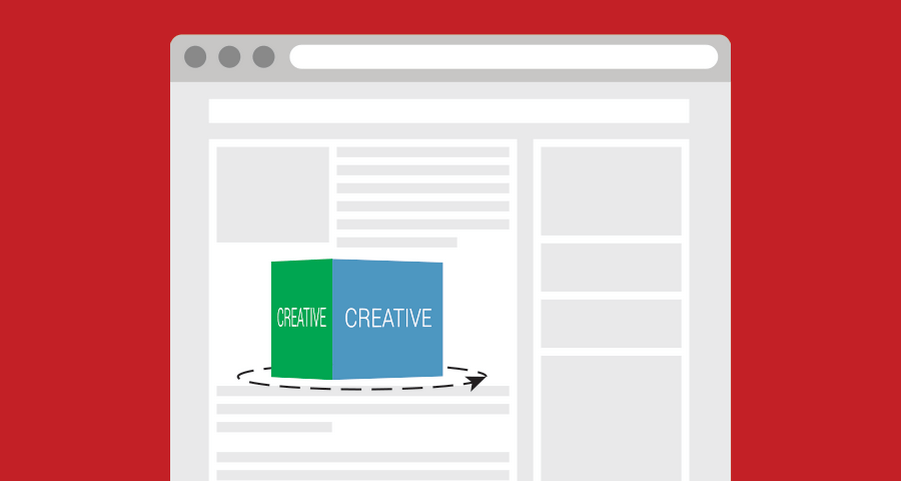
Show up to four images on a rotating 3D cube. Rotate with swipes or navigation buttons for an eye-catching display.
Best for: Four-face product or brand rotations
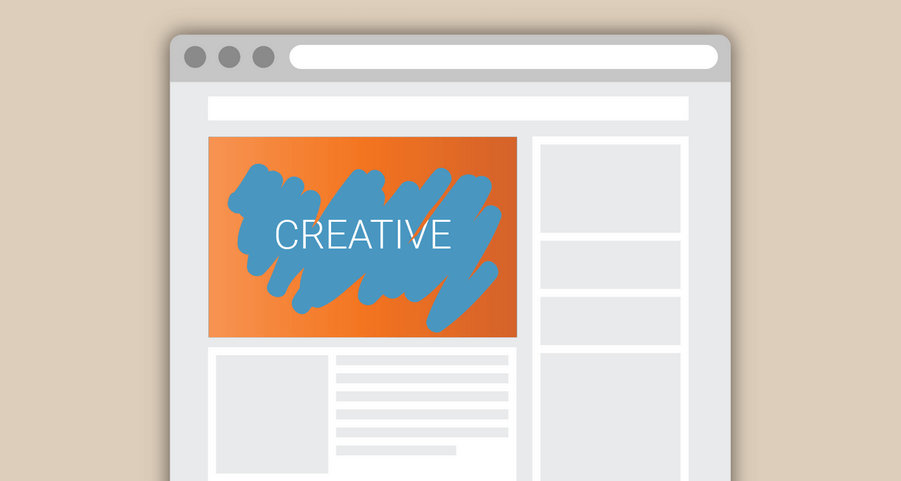
Interactive scratch-off ad where users reveal the creative by swiping or scratching an overlay. Fun and engaging ad experience.
Best for: Scratch-to-reveal interactions
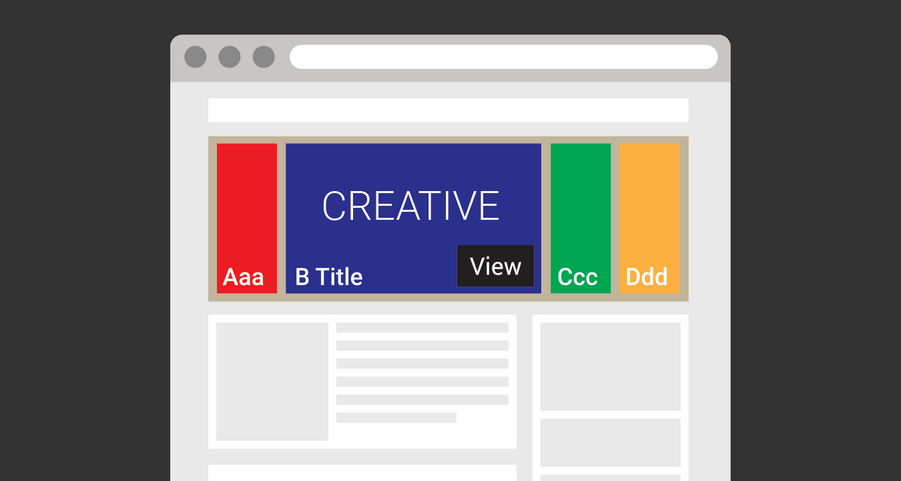
Show up to five images in an interactive gallery where users can expand one image while others contract. Smooth animations and responsive layout make it ideal for product or feature showcases.
Best for: Several products inside one unit
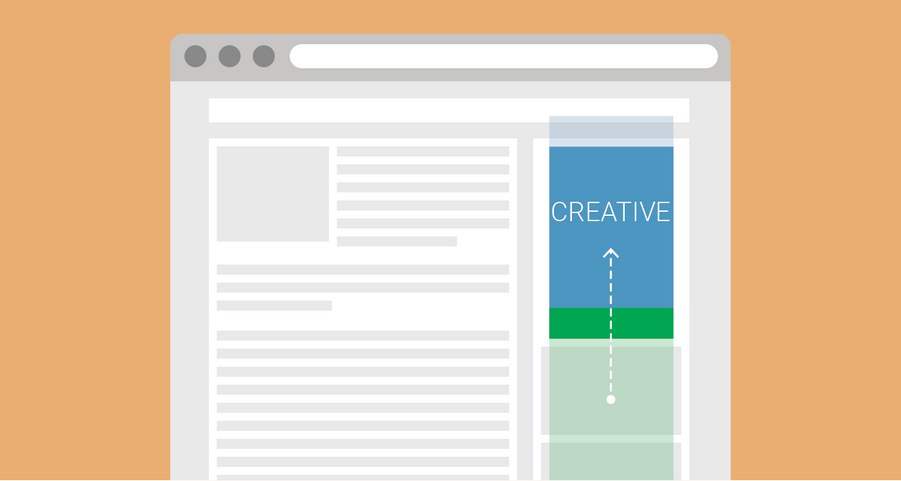
Cycles through multiple images with smooth fade or motion effects.
Best for: Cycling images with fade or motion
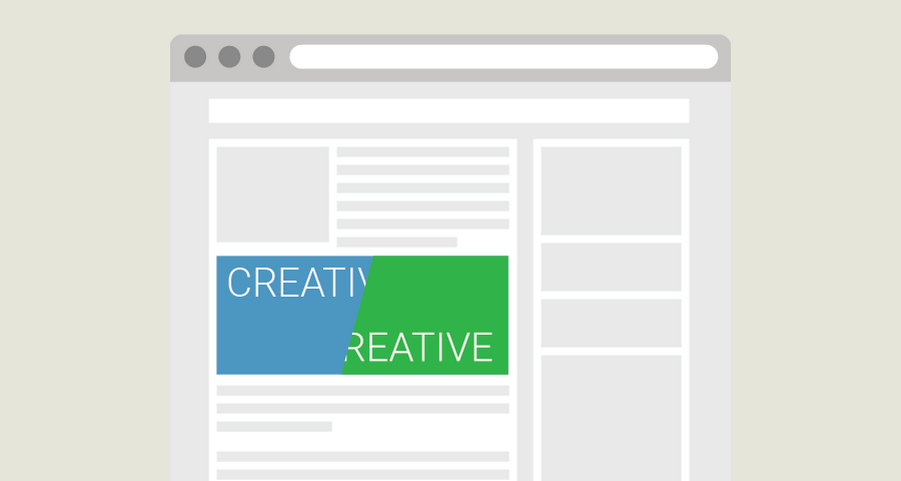
Two images in one container separated by a movable divider for interactive comparison.
Best for: Before-and-after or comparison creatives
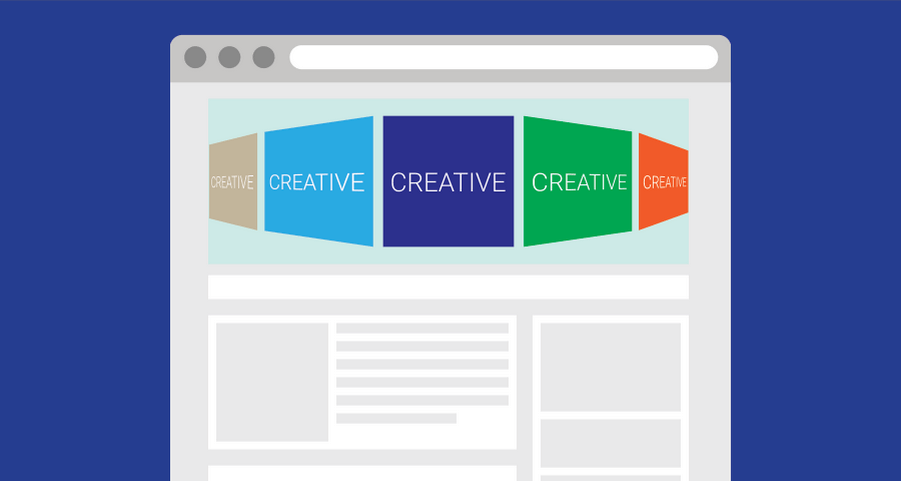
Image gallery in a rotating carousel banner with navigation and autoplay.
Best for: Multi-image campaigns in one banner
A side rail uses the empty space beside the content column on desktop layouts.
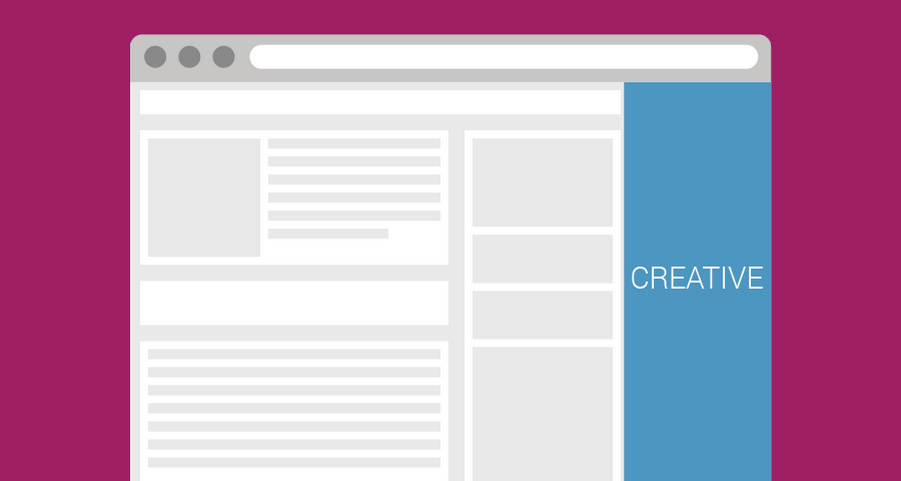
Fills unused space at the sides of a website with responsive sidebar ads.
Best for: Side-rail inventory beside page content
These templates support rich media and standard creatives. They are utilities, not high-impact formats on their own.

Combine videos with backgrounds for stylish, engaging ads that boost interaction.
Best for: Video units with a styled background
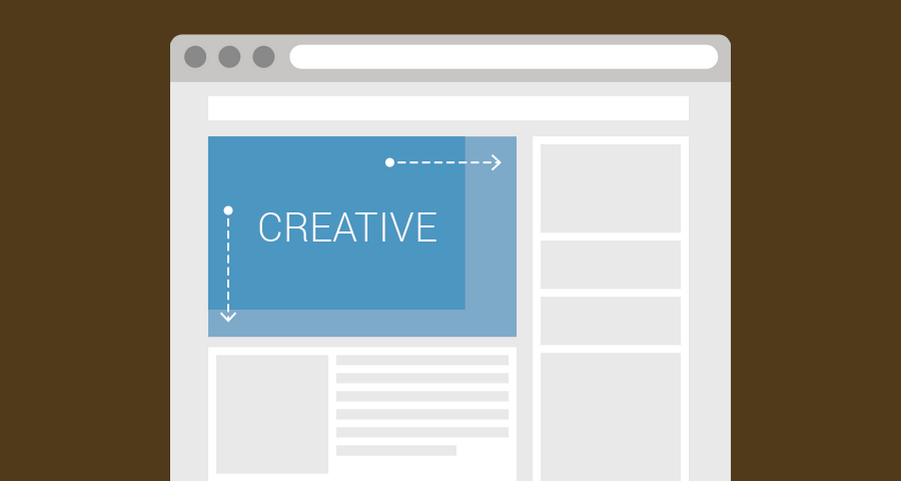
Turns the ad container responsive so images or HTML banners scale to fill the space.
Best for: Making a creative fill its container
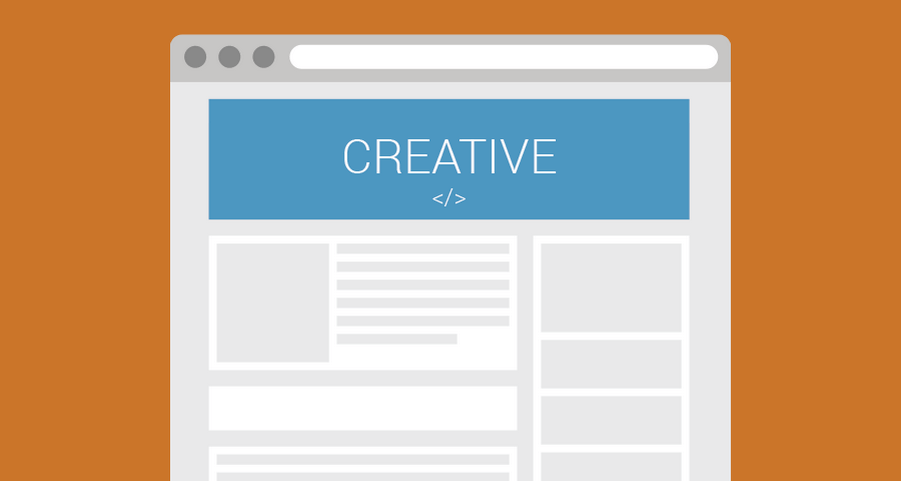
Serves hosted HTML5 ads by URL in an iframe. Perfect for video and dynamic ads.
Best for: Hosted HTML5 creatives served by URL
Sign up to Genecy and instantly access Iframer and Clipbanner for free. Upgrade anytime to unlock 24 premium templates.