Critical Issues
These are problems that should be fixed before launch. For example, broken click tracking, missing landing page, incorrect tracking setup, or creative behavior that prevents the campaign from working correctly.
Send your Google Ad Manager preview URL and we will check if your creative is ready for launch - before broken tracking, visual issues, or reporting problems reach your client.
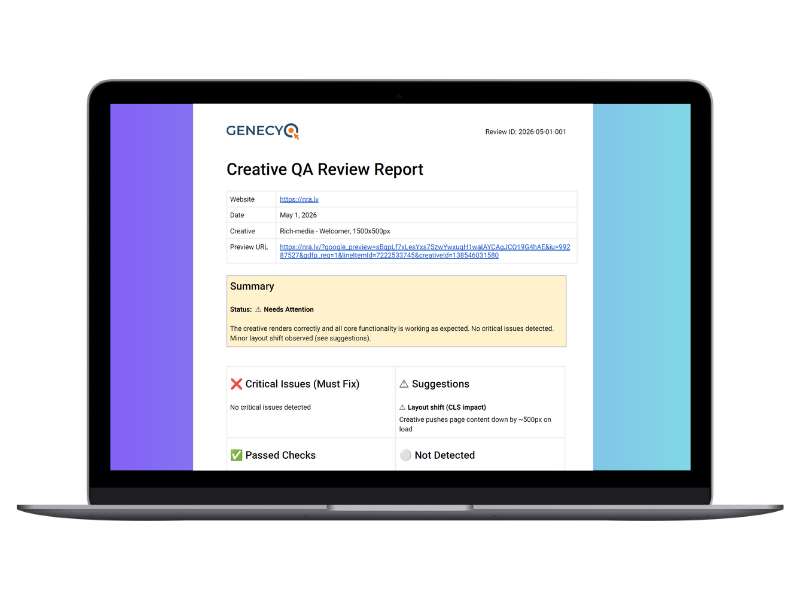
Creative QA Review is a pre-launch check of your Google Ad Manager creative. The goal is to find issues before the campaign starts, so you can avoid broken click tracking, missing third-party tags, visual problems, slow loading creatives, or browser compatibility issues.
This review works with Genecy templates and also with other HTML, rich-media, image, or video creatives used in GAM.
"Most issues are found after launch -
this helps catch them before."
These are problems that should be fixed before launch. For example, broken click tracking, missing landing page, incorrect tracking setup, or creative behavior that prevents the campaign from working correctly.
These are recommended improvements. The campaign may still work, but fixing these points can improve performance, loading speed, visual quality, or user experience.
These are checks that were verified and worked correctly during the review.
Some checks may not apply to every creative. For example, if no video is used, video playback is marked as not detected. If no third-party tracking tags are visible, they are listed separately so it is clear they were not verified as present.
View a real Creative QA Review example based on a GAM preview URL.
The sample includes status, checked items, suggestions, observed details, and a screenshot of the creative rendering.
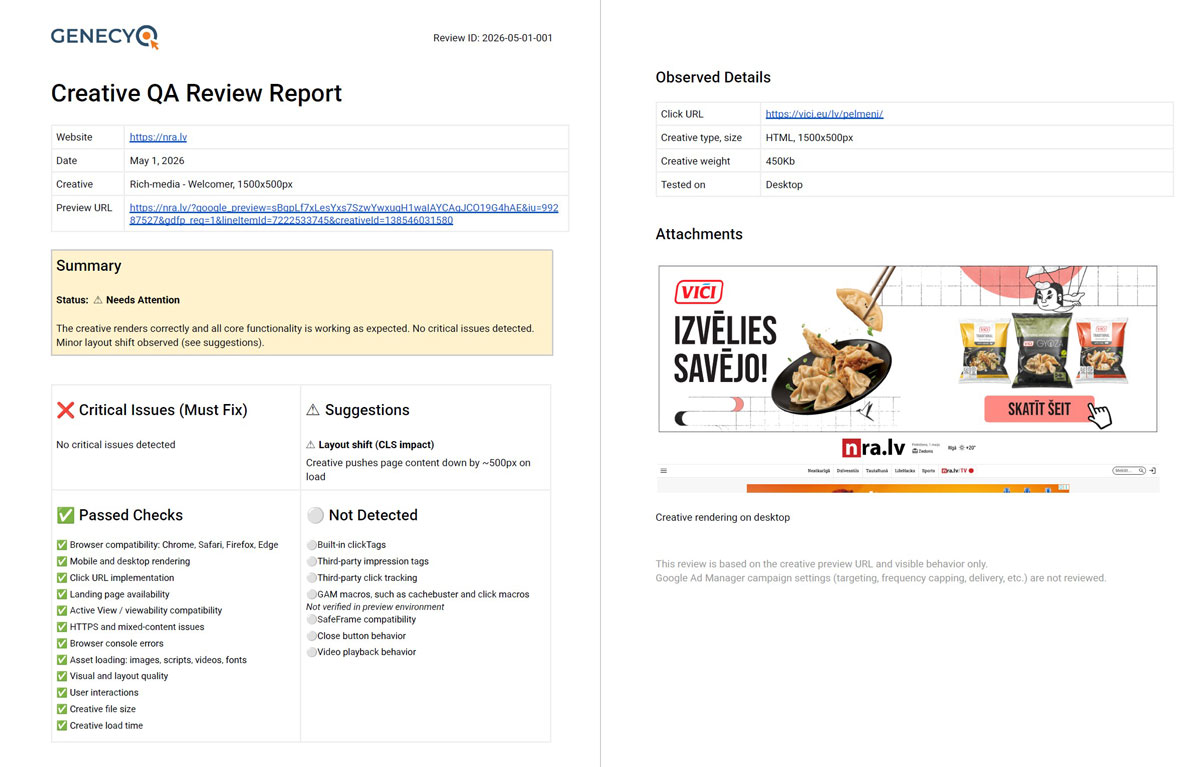
Click to open full PDF report
Send your GAM preview URL and basic campaign details using the contact form.
How to generate a creative preview URL?
We test the creative across key checks, including click behavior, tracking, rendering, browser compatibility, and loading performance.
You receive a clear report with passed checks, issues, suggestions, screenshots, and recommended next steps.
You can adjust the creative or setup before the campaign goes live.
Creative QA Reviews are available for clients with active Genecy subscription plans.
The number of supported websites follows the selected plan.
For full plan details, visit our pricing page.
View pricing plansThis review is based on the creative preview URL and visible creative behavior only.
Google Ad Manager campaign settings are not reviewed.
We do not check campaign period, targeting, frequency capping, pacing, priority, delivery settings, inventory selection, pricing, or other GAM line item settings.
The reason is that we do not have access to your Google Ad Manager account or line item configuration.
Send your preview URL before launch and receive a structured review within 24 business hours.
Submit preview URLYes. We can review Genecy templates and other creatives used in Google Ad Manager.
No. We only need the preview URL and related information you provide.
We provide clear notes and recommendations. Implementation work is not included unless agreed separately.
Reviews are completed as fast as possible, always within 24 business hours.