Usually, parallax ads (also known as interscroller ads) are seen between website content. These ads split content with a fixed banner in the background – a position doesn’t change while a user scrolls up and down. Publishers using Google Ad Manager (GAM) can easily serve this ad format with our Parallaxer creative template. This is one of the most acquired templates, also the most complicated.
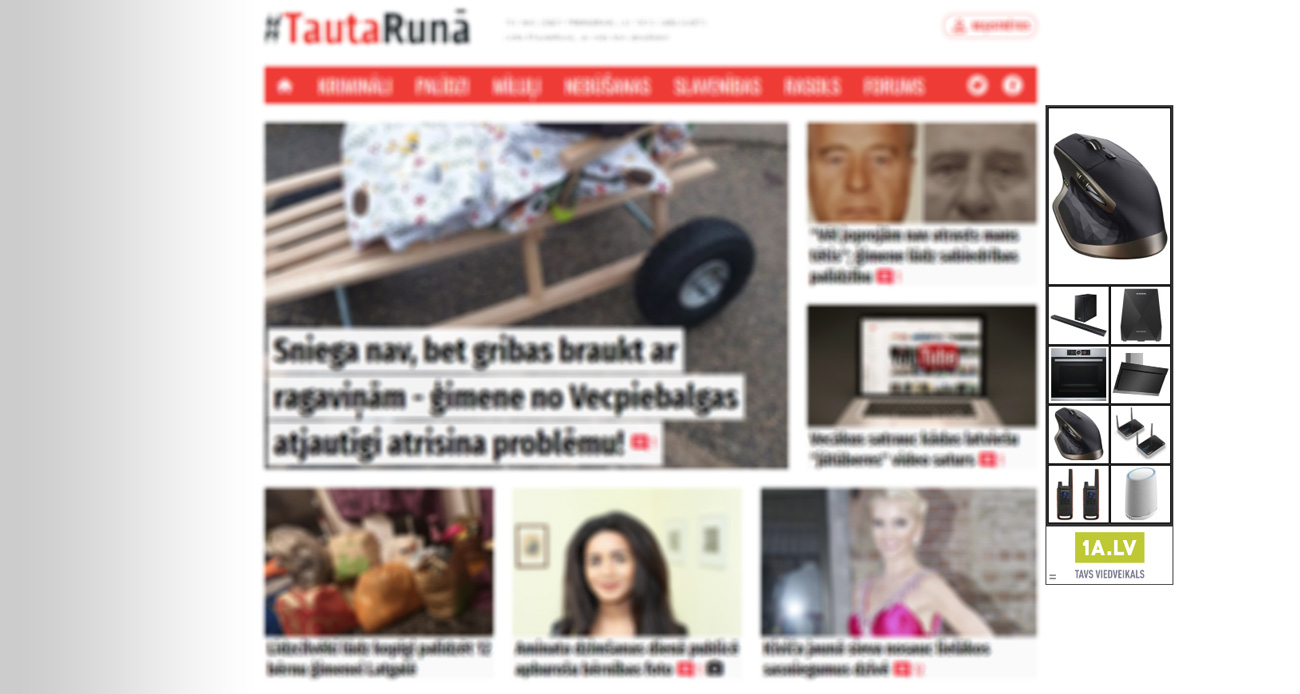
Continue reading “High-performance top scroller ads with Parallaxer template”If your website on desktop devices has a fixed width and at least one side has an empty area, you can fill that area with Google AdSense ads and increase revenue.
In this article, we will show how with the Wallpaper template in Google Ad Manager to serve Google AdSense Skyscraper ads on one of the sides (or both sides) of a website.
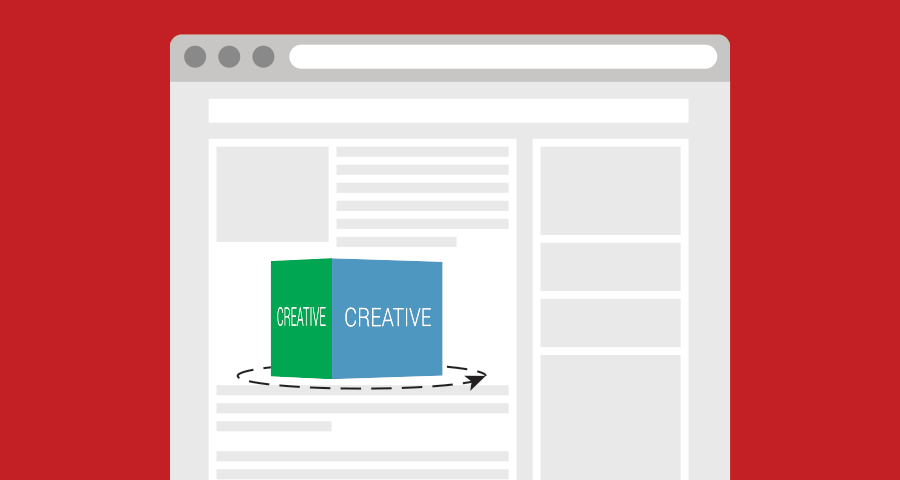
Continue reading “Show Skyscraper ads on website sides with the Wallpaper template”Discover the game-changing Cube template for Google Ad Manager (GAM) – designed to enhance user engagement and boost CTR. With its innovative 3D design and user-friendly swiping features, the Cube template is quickly becoming a popular choice for advertisers in Latvia and beyond. No technical expertise needed! Explore the key features and benefits of the Cube template and learn how it can transform your ad campaigns.
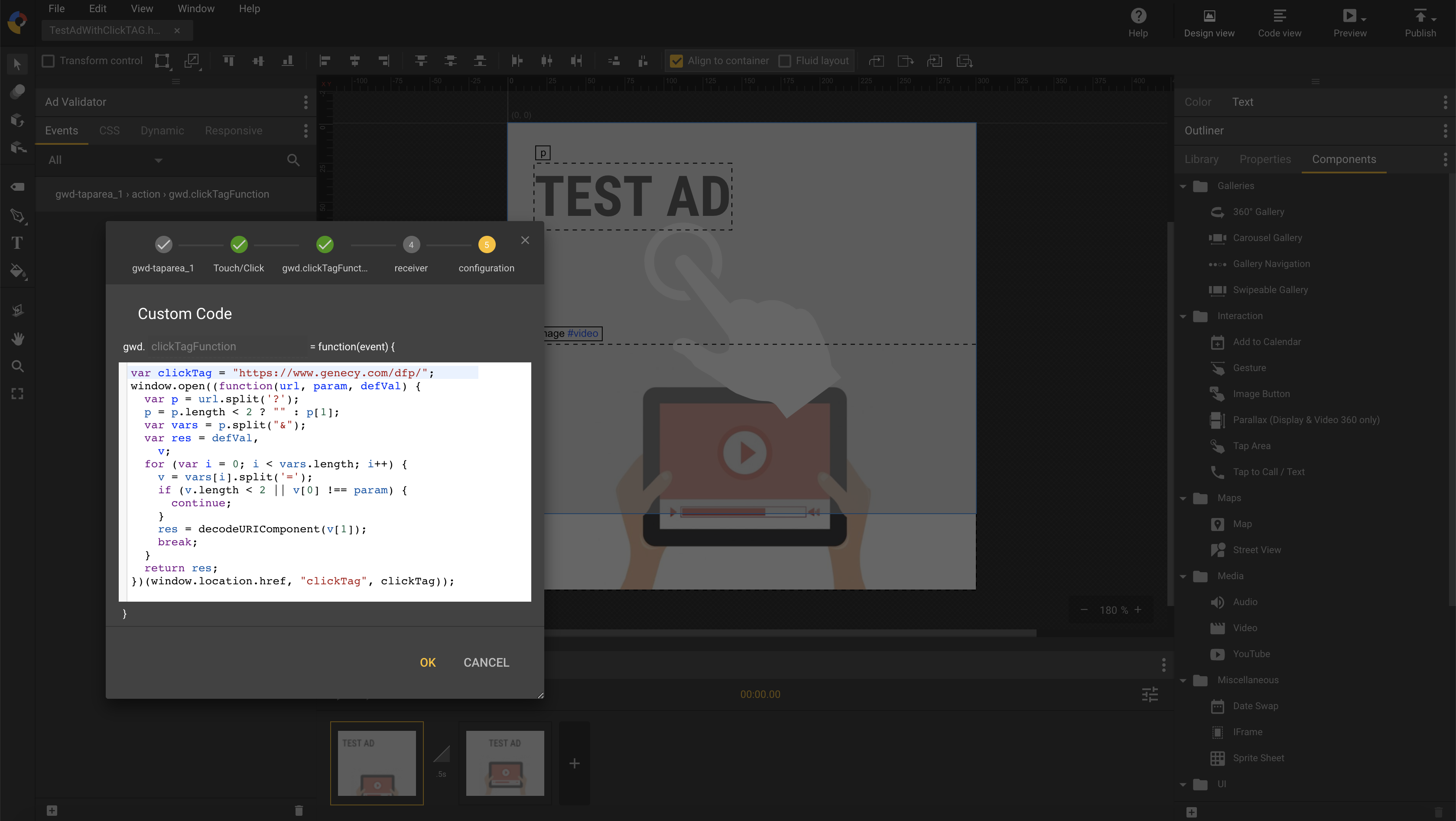
Continue reading “Introducing Cube: A Revolutionary 3D Template for Google Ad Manager Ads”Creating HTML banners with exit events in Google Web Designer is relatively simple, and you can easily upload them to Google Ad Manager as HTML5 creatives by following the official instructions. Google searches for exit events during the upload process, and if successful, it accepts the HTML banner. However, HTML banners with exit events don’t work with custom creative templates because Google doesn’t allow uploading HTML banners in creative templates. As a result, you need to use a different approach for click tracking.
Continue reading “How to add clickTAG to Banners in Google Web Designer”Publishers are seeking for ad placements with higher CTR and viewability constantly. At this moment, one of the ad formats which becomes more and more popular is the in-article format.
Continue reading “How to show Google Adsense ads between article with Google Ad Manager”Back on April 20, 2018, we encountered an issue with the import/export functionality in DoubleClick for Publishers (now Google Ad Manager, GAM). This led us to develop a “Manual Installation” module to ease the template installation process for our clients. This module provided step-by-step instructions for installing each GAM template, with a design mirroring the GAM form to simplify the process.
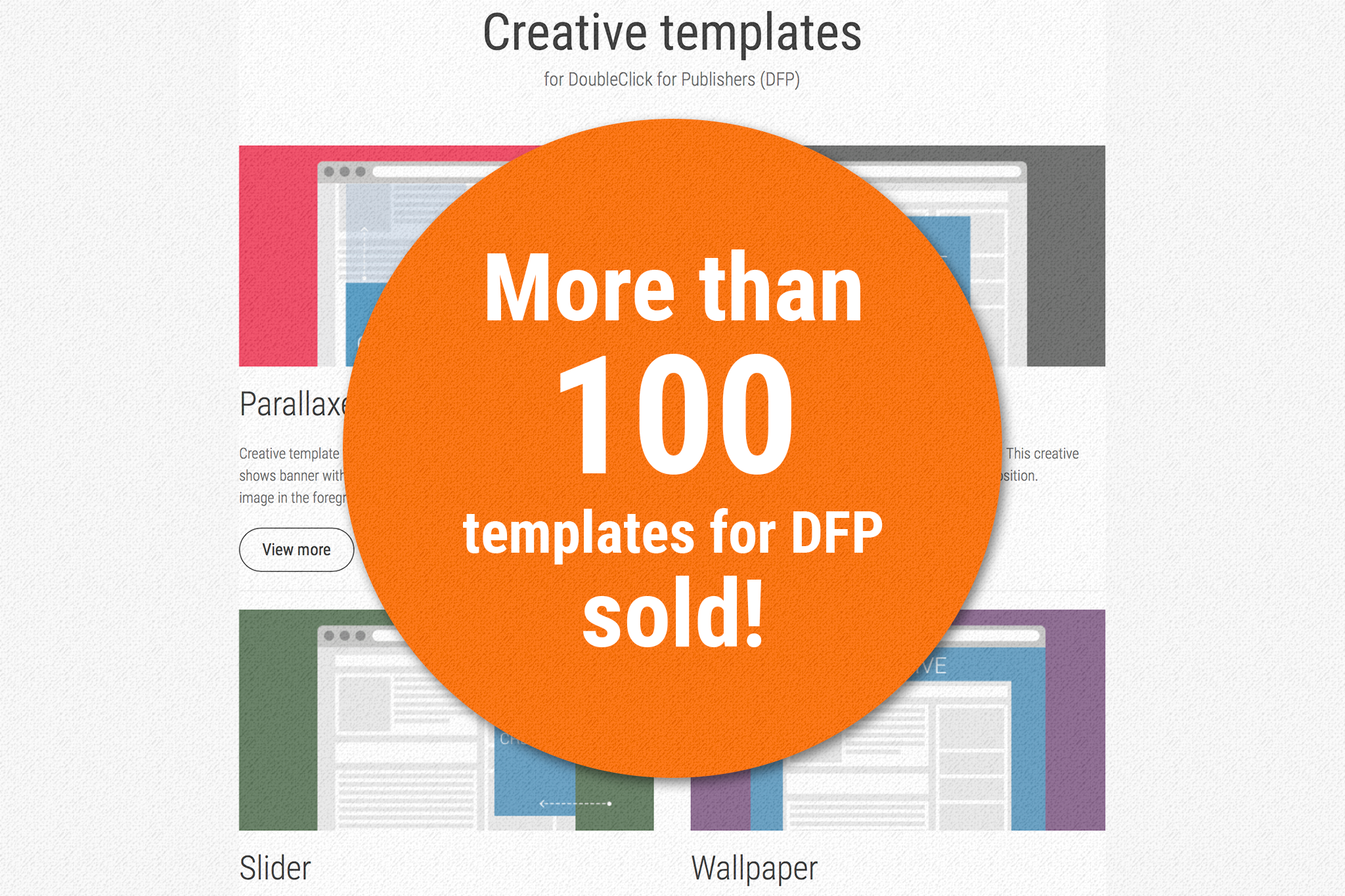
Continue reading “Updated Template Installation Options in Google Ad Manager”We are proud to announce that we have reached our first significant milestone last week – sold the 100th template for DoubleClick for Publishers (DFP). It’s much for us, and we are very thankful to every our client for the trust shown.
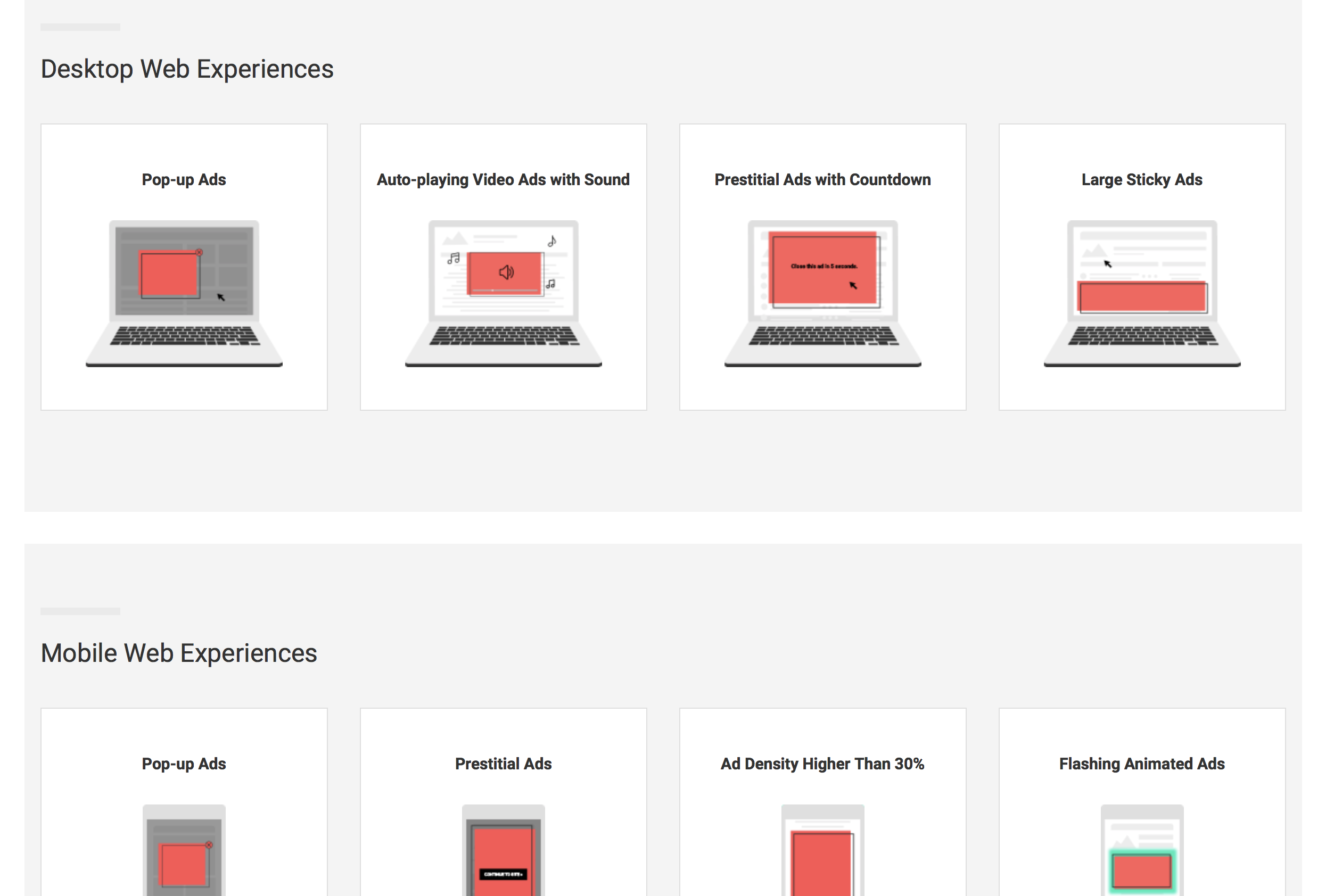
Continue reading “100+ units of templates for DFP sold already”Last year Google announced that starting on February 15 Chrome will remove all ads from sites that have a “failing” status in the Ad Experience Report for more than 30 days.
Continue reading “Get ready for Chrome (Google) ad experience reviews with our DFP rich-media templates”In our continuous endeavor to simplify and enhance ad creation for Google Ad Manager (GAM), we’ve made significant upgrades to our banner generation tools. Here’s an insight into what’s new:
Continue reading “From YouTube to Your Files: New Video Banner Generation Tools”One of our clients requested a custom creative template for Google Ad Manager that would look good on their websites and help increase CTR. Publishers are consistently seeking ways to improve CTR (click-through rate) to boost revenue from advertising.
Continue reading “Personalized Custom Creative Template Crafted for a Client’s Google Ad Manager Usage”