Overview
Product description and implementation details.
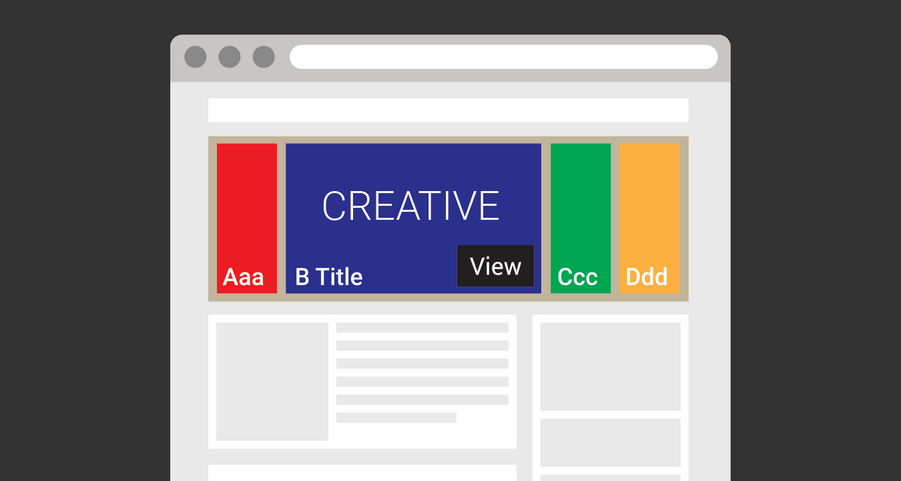
The "Intexter" template is a custom creative solution for Google Ad Manager that allows you to seamlessly integrate advertising into your website's text content. Also known as in-article ads, the "Intexter" template displays a banner within the text, providing a subtle and non-intrusive way to advertise to your audience.
With the "Intexter" template, you can specify the text container and the number of child elements after which the banner will be displayed. This allows you to control the placement of the banner and ensure that it is shown to engaged and interested readers.
The "Intexter" template also includes a range of customizable features to enhance the user experience. You can enable automatic closing after a specified number of seconds, customize the closing button, and track the effectiveness of your ad campaign through multiple stats tracking options, including global clickTAG for HTML creatives and 3rd-party impression URLs support.
Overall, the "Intexter" template is a powerful and flexible advertising solution that helps you seamlessly integrate ads into your text content, driving conversions and engaging your audience.
It supports all image formats and hosted HTML creatives, as well as HTML (JavaScript) code or tags.
It is compatible with any version of Google Ad Manager, including the free version, and can be served via out-of-page and size-defined ad units.
Last updated: · View release notes
Extend with JavaScript callbacks
Adapt creatives to your website without modifying site code.
Use callback events to:
- Sync with sticky headers
- React to viewport changes
- Trigger animations
- Integrate custom site behavior
- Optimize layout appearance
Our support team can help you plan and implement JS callback integrations for your site.
View JS callback documentation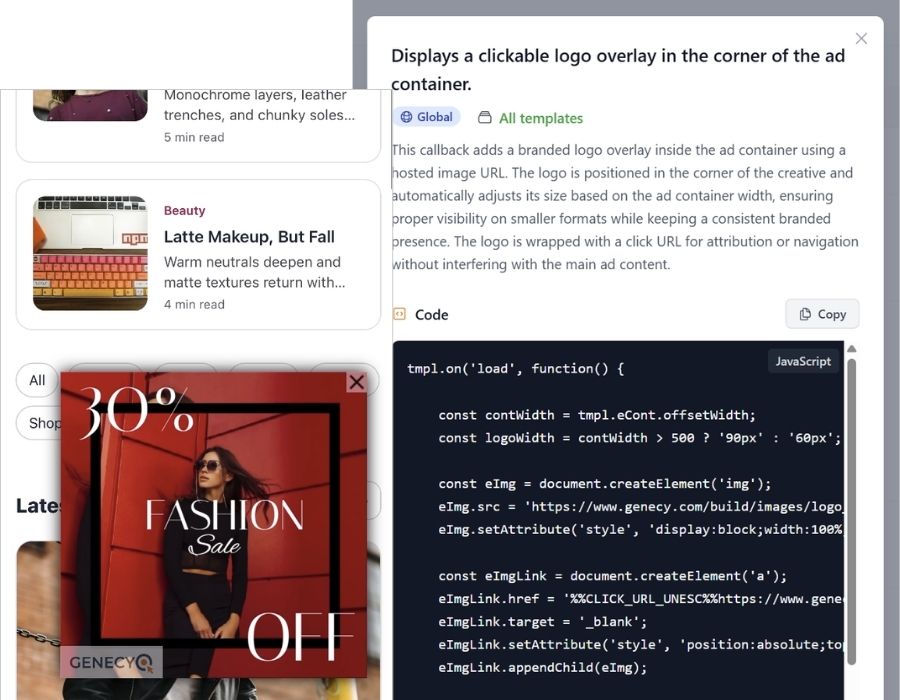
Features
- Supports asynchronous and synchronous GPT tags
- Upload an image directly or enter HTML code, or enter URL to self-hosted image or HTML5 banner
- Select text container by CSS path
- Set the sequence number of text element after which banner should appear
- Show banner when specified number of text elements reached only
- Serve with or without clickthrough URL
- Easily track clicks for any creative, even for HTML5 banners without clickTAG implemented
- Track ad impressions with 3rd-party tracking URL
- Supports out-of-page ad-units (impressions counts only when an ad is visible)